

Drive Salesforce Adoption with These 5 In-App Guidance Solutions
You can extend the power of Lightning Flow’s no-code process automation with flow templates.
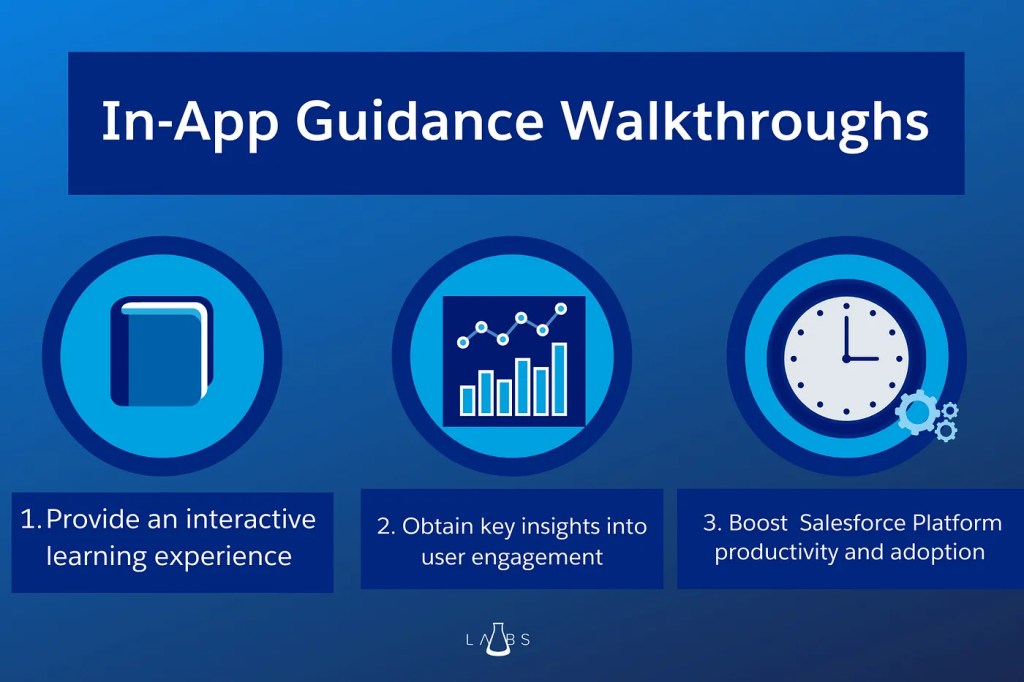
Admins and organizations have a lot of priorities, but we can likely agree that encouraging interaction, learning, and adoption of Salesforce is pretty high on the list. As of Salesforce Summer ’20 release, Salesforce has introduced informational walk-throughs to the platform. This feature empowers admins to create and implement instructional content within their Salesforce instance to provide a seamless, educational experience for new and incoming Salesforce users. Check out these five Labs solutions designed to help admins onboard and share relevant information for new users.
Note: While Labs are always free, they may require additional feature licenses to use. In-App Guidance Walkthroughs requires a MyTrailhead License. You can activate a 30-day trial right within Setup and explore the features available and with these Labs solutions, you do not need to start from a blank page.
We used the generally available In-App Guidance feature to create this package of four example walkthroughs. Provide your new sales users with interactive training that complements the Lightning Experience for Salesforce Classic Users Trailhead module.
Categories
Agentforce Content
In-App Guidance Walkthroughs: Getting Started for Sales Users
Start your In-App Guidance journey with hands-on training.
Equip incoming personnel for their new journey with Salesforce through several helpful materials and resources, including instructional videos and articles. Introduce navigation, list views, and records to new users, as well as the basics of Salesforce. Through the use of on-screen prompts, newcomers can familiarize themselves with their personalized settings, favorites, record creation, and the App Launcher. Additionally, each interactive training prompt is fully customizable to best fit your needs and those of your new users. These guided walkthroughs encourage direct interaction and guides individuals through the Lightning interface. Enable users to learn on the job, and save Admins time taken from training.
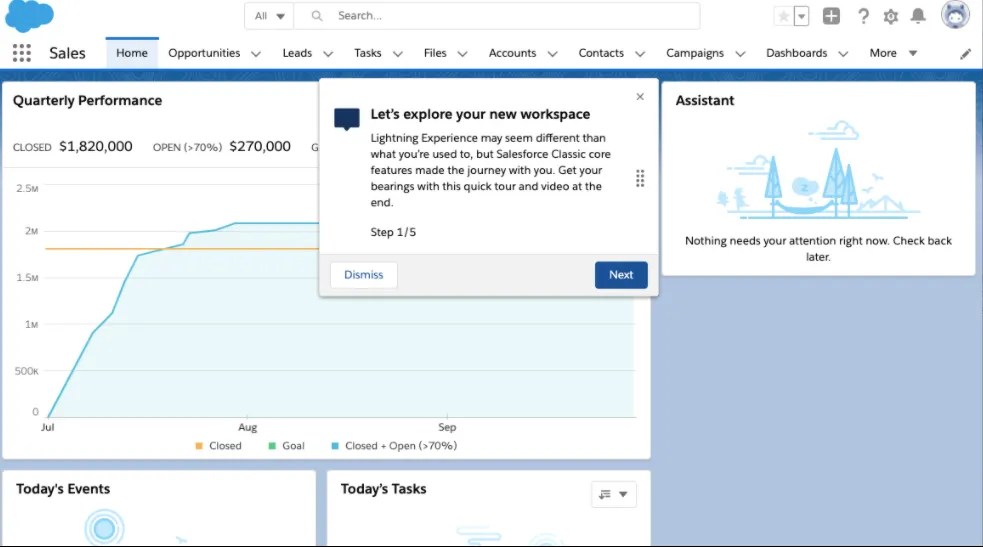
In-App Guidance: Boost Sales and Service User Productivity in Lightning Experience
Users can explore their new workspace with the guidance of helpful notes and prompts.
Salesforce Labs has released two separate solutions designed to help new Sales and Service users adapt to the Salesforce interface. Highly beneficial for Classic users that are migrating to the Lightning interface, these solutions feature ready-to-use, interactive training materials on-screen to introduce Chatter, Help Menu, and Recent Items List.
Empower learners to navigate their new environment with embedded guidance! Even more, these solutions equip admins with helpful tools to help bring awareness of new features, configurations, and more within the Salesforce interface. Each of the five prompts included in the packages’ main menus (Account for Sales, Case for Service) contains helpful resources that continue the learning journey with articles, instructional videos, and more.
Explore these solutions on AppExchange
Salesforce asked the Trailblazer Community for a wishlist of In-App Guidance prompts to drive adoption of time-saving features in Lightning Experience. We used the generally available In-App Guidance feature, to create this package of five prompts.
Categories
Agentforce Content
Salesforce asked the Trailblazer Community for a wishlist of In-App Guidance prompts to drive adoption of the most time-saving features in Lightning Experience. This package includes prompts for the top-five requests.
Categories
Agentforce Content
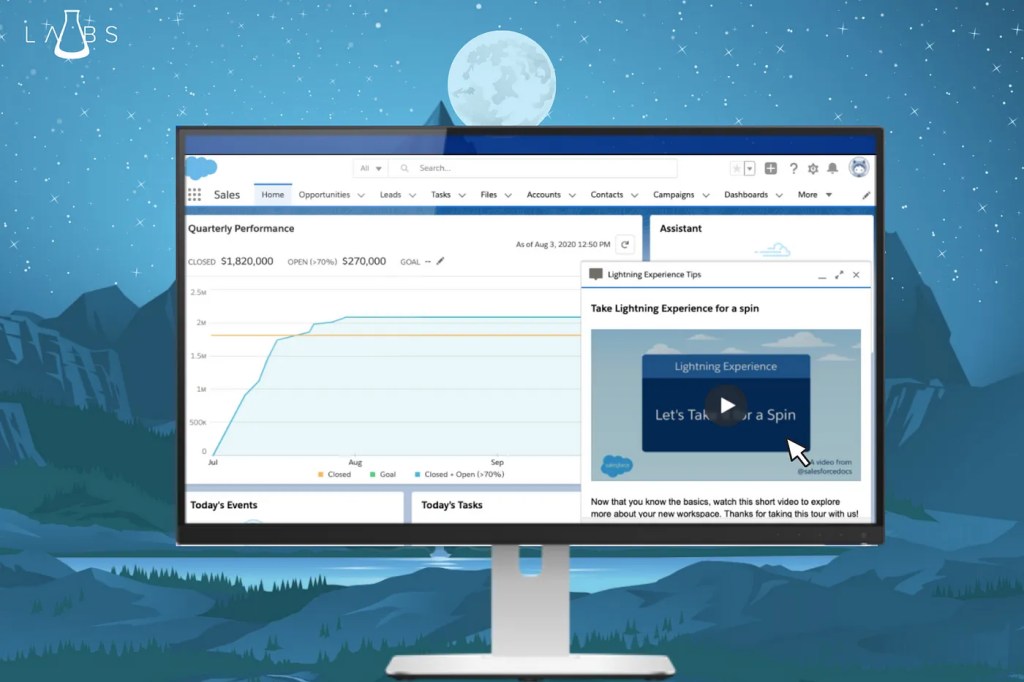
Improve your In-App Guidance with real-time prompt insights. Ensure success with pre-built engagement metrics. See which users and profiles are engaging most, evaluate trends, and empower learning! We also offer a walkthrough dashboard (see below)
Categories
Agentforce Content
In-App Guidance Dashboard: Prompt Engagement
This solution provides real-time insights into your In-App Guidance.
Including prepackaged engagement metrics to help you visualize adoption success, this dashboard pack evaluates trends among all your users and their levels of interaction with instructional prompts provided by the In-App guidance solutions. Define areas in need of additional guidance, and gain metrics into engagement levels by role, user, and profile. Identify top users of embedded learning, and identify areas of improvement.
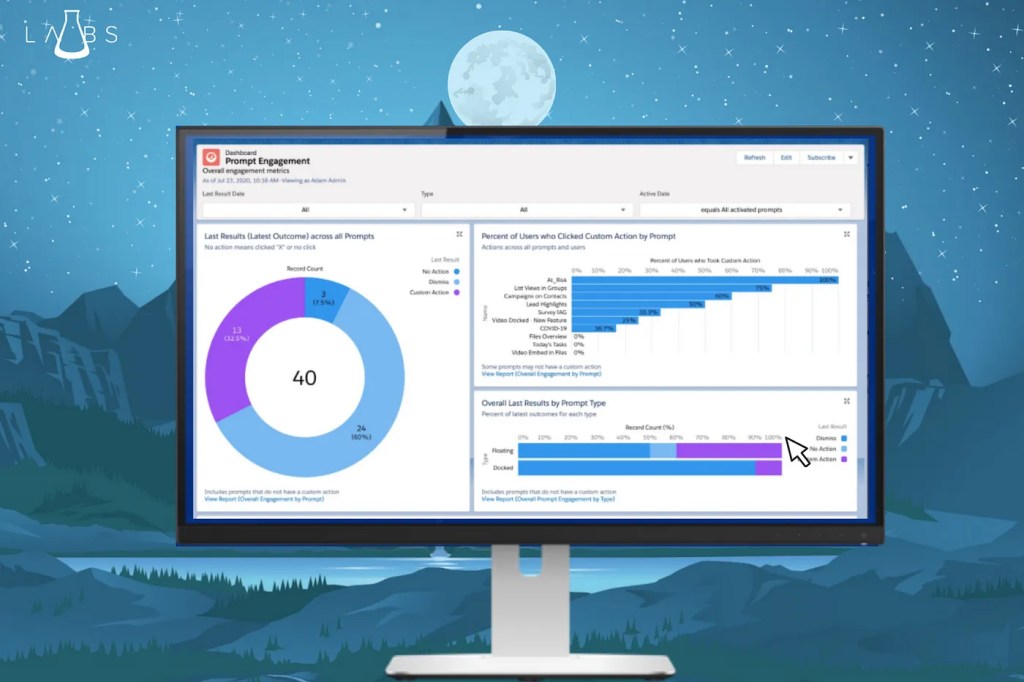
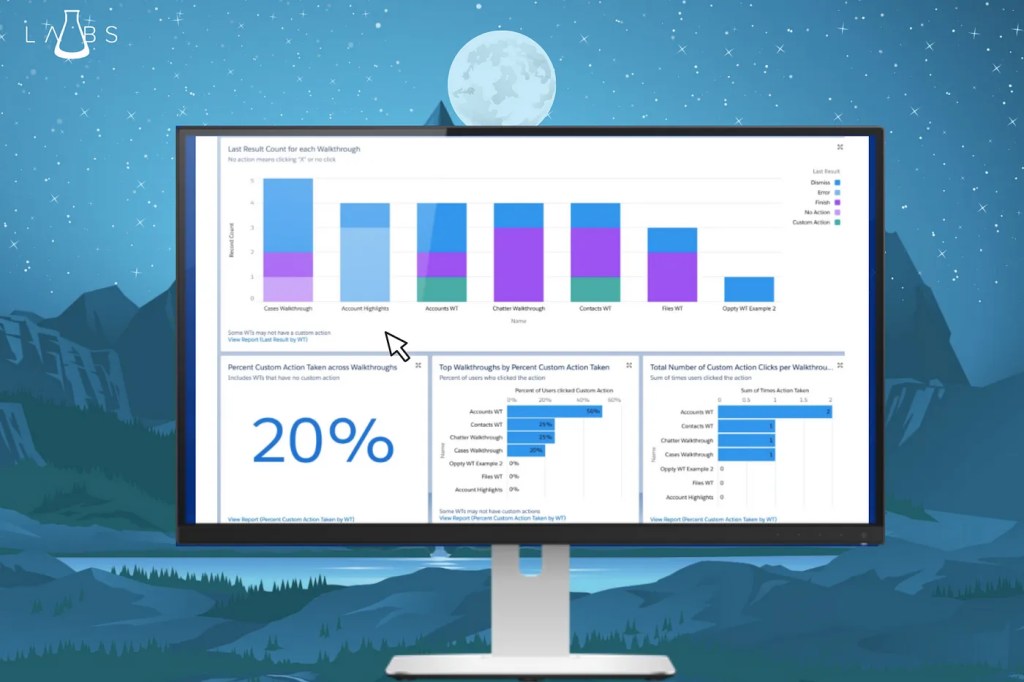
In-App Guidance: Walkthrough Engagement
Improve your users’ learning experience by obtaining metrics into user engagement with walkthroughs and training.
This dashboard pack lets admins discover which training materials appear to be most effective, and which ones are least relevant to users. Define actions such as Dismiss, Finish, and Gain insights into levels of engagement by user, profile, and role. Feature fully customizable reports to best support your individual needs.
Salesforce Labs
Improve your In-App Guidance with real-time walkthrough insights. Ensure success with pre-built engagement metrics. See which users and profiles are engaging most, evaluate trends, and empower learning! We also offer a prompt dashboard (see below)
Categories
Agentforce Content
With these new In-App Guidances packages, admins can onboard new users and provide them with simple, interactive training while gaining insights into the learning experience for each individual user. Take action now to drive adoption, engage users, and analyze overall performance.
Be sure to check out all of Labs’ solutions on