
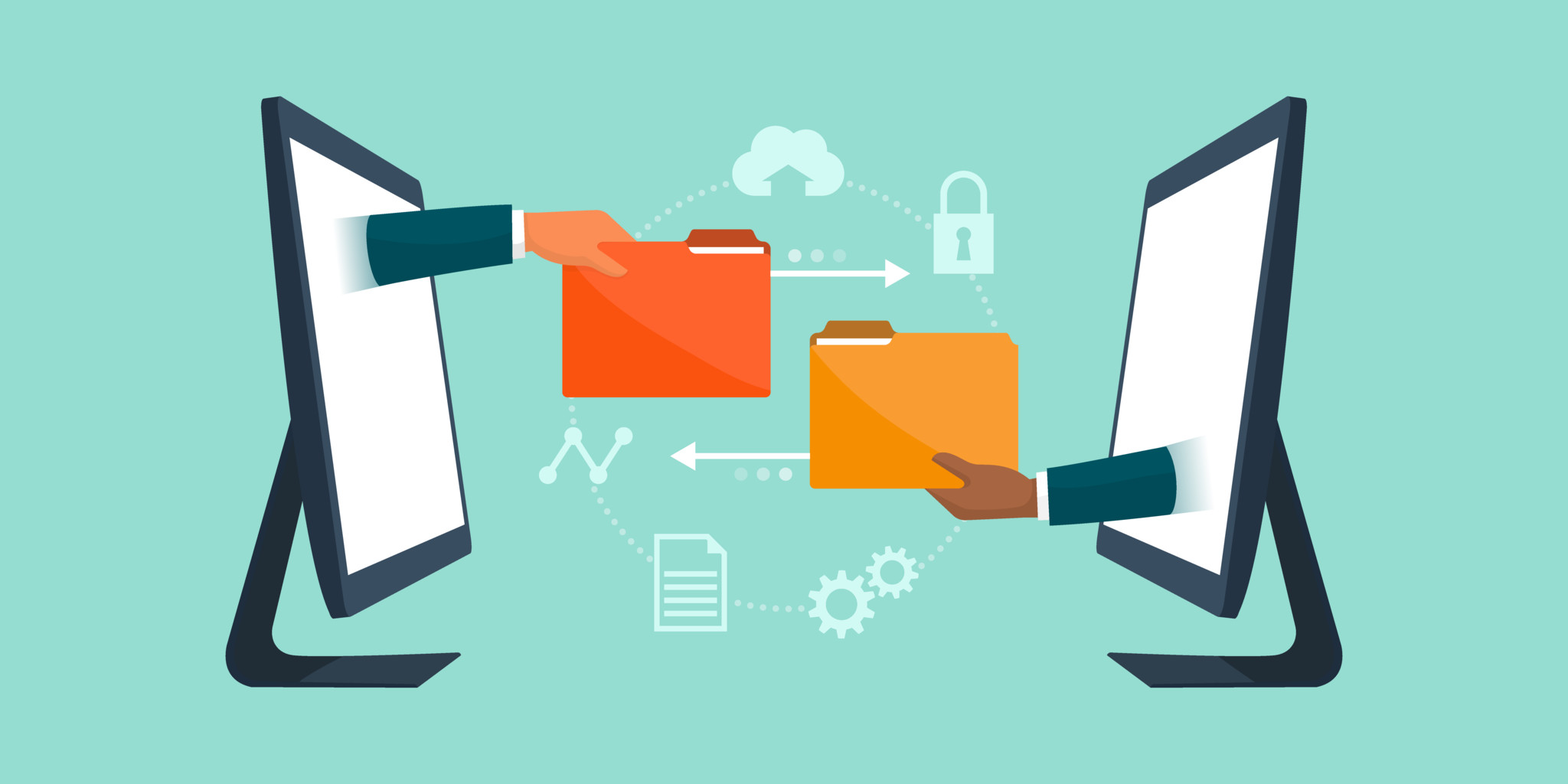
Explore four benefits of a document categorization system and get started with six apps.
Explore the benefits of a document categorization system.
Have you ever misplaced a file? You can’t remember if it was sent to you over Slack or as an email attachment. The keywords aren’t coming up in search and you don’t know what the name of the file was – maybe FinalfinalVersionMay2024.pdf? Moments like this prove you need a document categorization app.
We believe document management should be simple, organized, and easy. With a good document management system (DMS), your team can be more productive than ever. There are benefits no matter your role or responsibilities. Here are a few key points if you need more convincing.
1. Built-in accountability
Many document categorization systems have version control, edit history, and access restrictions built into them. These are three features that automatically keep folks accountable and in-the-know.
Version control: The act of controlling computer files and versions of files. Version control includes viewing old versions and enables reverting a file to a previous version.
Edit history: Edit history shows you what has changed in a file including the date and name of the individual who made the edits.
Access restrictions: This limits who can access, edit, or comment on a file, and the restrictions can be changed at any time.
Transparency is important. The combination of transparency and accountability makes for exceptional communication and improved efficiency.
Scenario
Imagine you’re working on a spreadsheet on a Friday night. When you log back in on Monday, you notice everything has changed. By checking the edit history, you can see who made each update and when, so you know who to ask for more information. The editor lets you know that they accidentally worked on the wrong file. With version control, you can easily switch back to the version from Friday. Then, you can change their access to “viewer” or “commenter” only to avoid more accidental changes.
2. Consistency is key
A DMS allows users to get organized and stay consistent. Take advantage of built-in features like templates to ensure your output is consistent. When multiple people work on the same project, they might use different file types, fonts, or formats. A DMS eliminates that risk, ensuring all your files are properly organized and searchable.
Scenario
Imagine you’re a freelance graphic designer and a team of one. You have more responsibilities than creating art. On a daily basis, you write outreach emails to find new clients, send invoices to bill for past projects, and work on versions of design files. Templatizing work gives you more time to work on what you’re good at and takes administrative tasks out of your hands. Use a DMS to create and store templates for every type of project and save time and effort.
3. Digital channel optimization
“Sales success comes from organizations that optimize their digital channels on an ongoing basis. Whether the goal is optimizing the online shopping cart experience or truly integrating mobile, the omnichannel approach was a key takeaway for success.” Studies show that document management is a potent
Make sure your team is on the same page. For the best collaboration, everyone needs to view files the same way. Users should see the exact same information across the web, mobile, print, or online at the same time.
Scenario
Imagine you’ve asked your sales team for lists of their qualified leads. One team member sends you a PDF file with tables, one sends a spreadsheet in the cloud, and another sends a bulleted list in an email. Not only is it complicated to reformat these into one file type, but you notice there is incomplete or duplicate information. There are names or companies repeated between each. Are Alex P. and Alexandra P. the same person? By working within a DMS, each team member sees the same information as they input it to optimize collaboration.
4. Protect your work with digital receipts
Your work is important. Sometimes getting credit for it will require doing due diligence. We already talked about version control and edit history, which allow users to see who made changes and when. But what about external organizations like governmental groups and regulatory bodies? How can you prove that the work you’re presenting was created by you and before anyone else?
Today, this evidence should include digital receipts, rather than being submitted on papers dated by pen. Workers have always needed ways to document, preserve, and share their progress. Once you’ve made a breakthrough, you’ll need detailed documentation to iterate on and repeat the progress. When submitting discoveries or products to regulatory bodies, like governmental organizations, you’ll need to show a trail of work.
Scenario
Imagine you’ve created a product and are submitting it for copyright. Your country’s patent and trademark office needs confirmation that you’re the actual author. To prove that it’s your intellectual property, it’s key to have a paper trail to show. Unfortunately, paper trails can be manipulated. With a document management system, the files are dated, authorship is documented, and hard evidence can be included with your claim.
Get started with six document categorization apps
Legal case and matter management software that conforms to unique workflows and organizational practice standards, while providing industry-leading security and reliability.
Categories
Agentforce Content
eSign Connect brings eSignature to Salesforce, powered by Docusign, with no separate Docusign plan required. Build contract templates natively, send contracts for signature, track status, and save signed documents to records. Try 5 envelopes for free!
Categories
Agentforce Content
Your enterprise content already has the answers; but they're scattered and inaccessible. OpenText™ Content Management integrates governed content directly into Salesforce workflows and Agentforce for a true 360° customer view without having to switch apps
Categories
Agentforce Content
Lockbox is the #1 rated lab management system built on the Salesforce platform for Life Science, R&D, NGS, and QC manufacturing labs. Track samples, execute protocols, manage inventory, and secure your data with the world’s most user-friendly LIMS.
Categories
Agentforce Content
Combine market-leading Digital Asset Management from OpenText with Salesforce’s renowned Customer Relationship Management to deliver delightful and engaging customer experiences.
Categories
Agentforce Content
Bulk download Salesforce files & attachments in original format in one click Export files from standard & custom records' list views, search, & SOQL mode Includes CSV mapping for traceability No third-party servers or download limit Point & Click Admin UI
Categories
Agentforce Content
Explore more of our favorite