
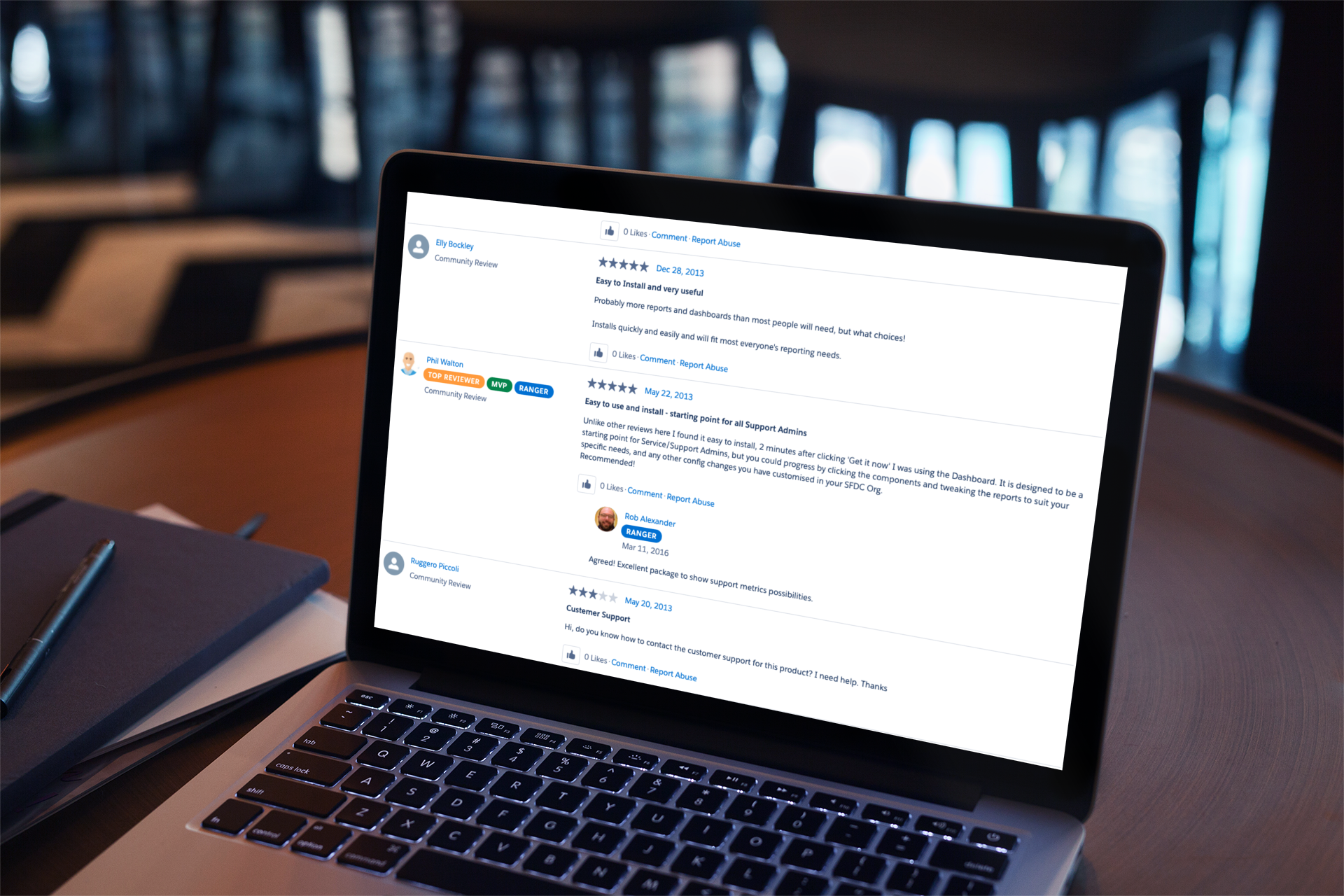
Whether it’s about buying a shirt or installing an app, feedback is helpful.
And when you write a review, it looks shiny and new on your Trailblazer.me profile. So if you’re interested in leaving a review about your experience with an AppExchange app or consultant, read on. Bonus: when you leave a review, like a review, or comment, you earn your way closer to becoming a
1. Go to the app or consultant listing
When you’re ready to leave a review for an app or consultant, the first step is to log into AppExchange.
Then, head to the app or consultant’s page on AppExchange, known as its listing.
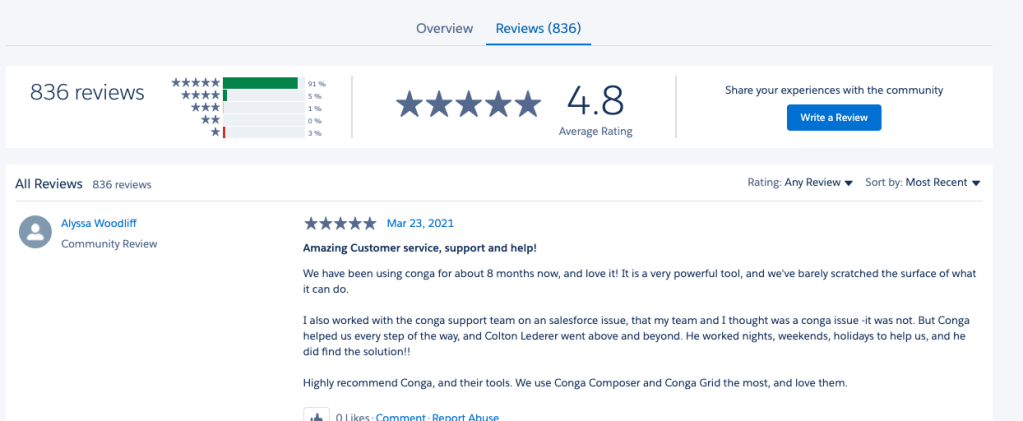
For apps:
Under the main images of the listing, about halfway down the page, you’ll see “Overview” and “Reviews.” On the Reviews section, click on “Write a Review.”
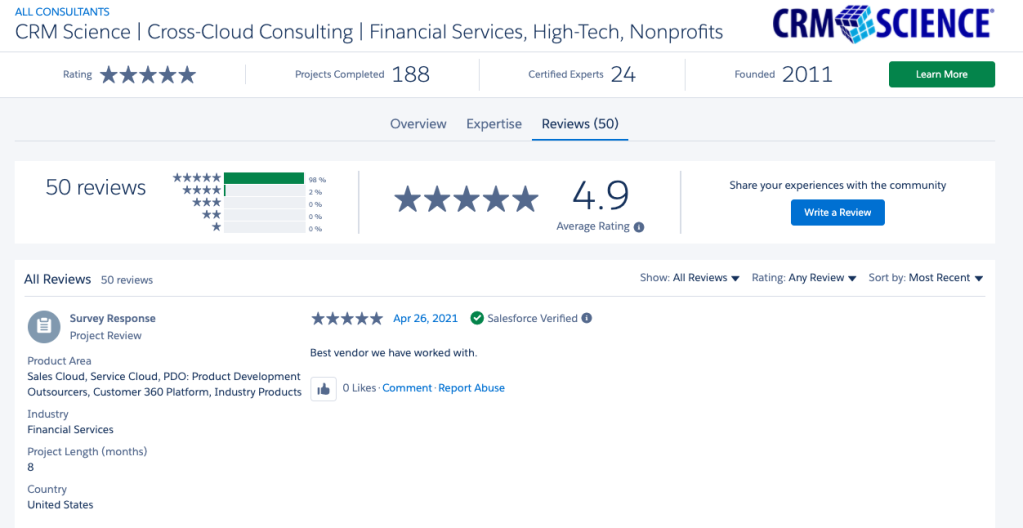
For consultants:
At the top of the listing, you’ll see “Overview”, “Expertise” and “Reviews.” Click on the Reviews tab, and then select “Write a Review.”
Write your review
It’s time to put virtual pen to paper.
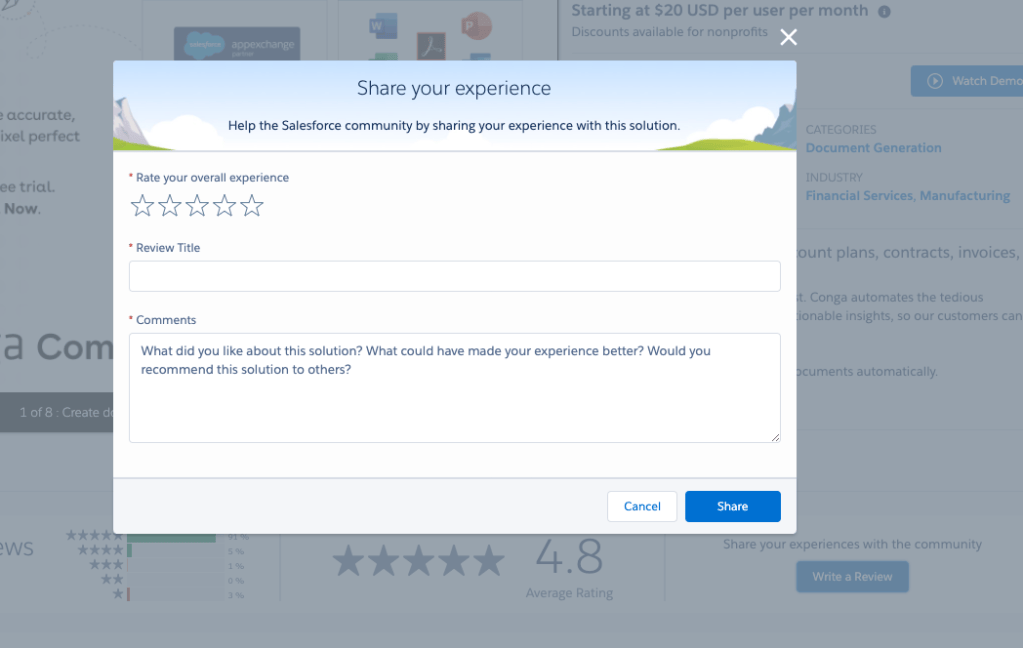
In addition to giving it a star rating, write detailed, constructive, honest and polite feedback. Then, give it a title that summarizes your experience. Taking the time to write a review helps the community and the partner gain valuable insights.
For apps:
For consultants:
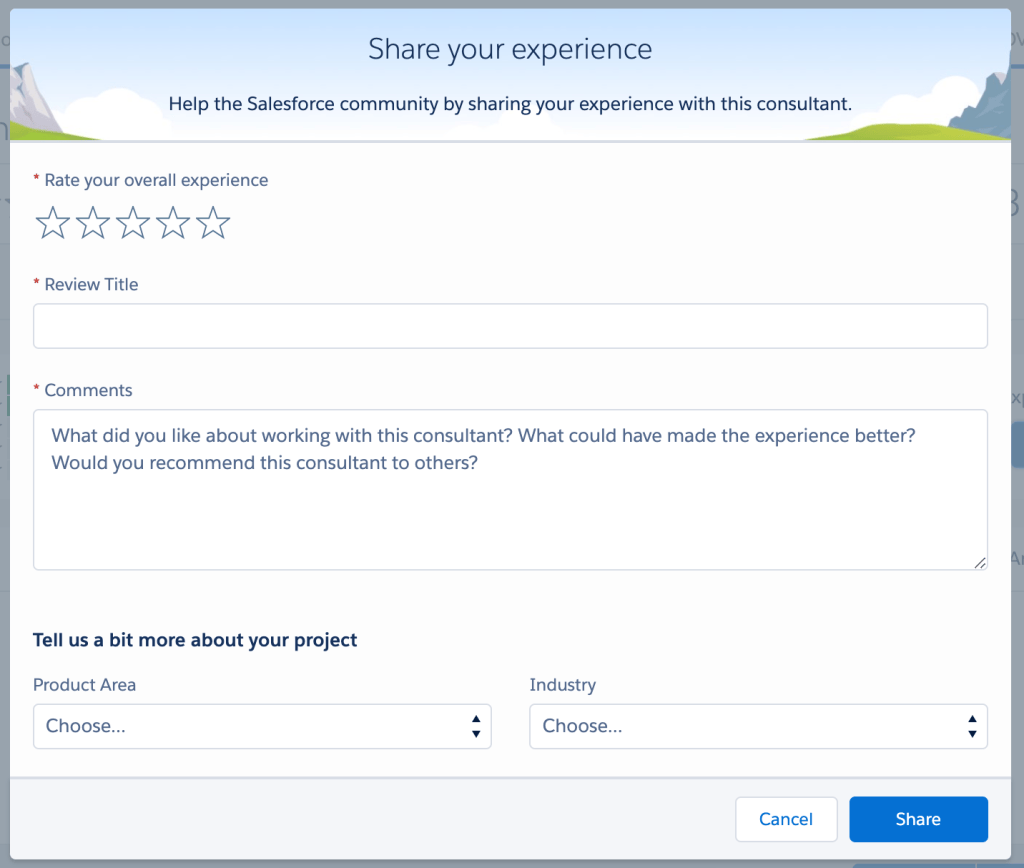
Tips for writing a helpful review
Short form aspirational headline describing some of the benefits of this solution
The most impactful reviews focus on how the app or consultant is being used by your business or has helped to solve a challenge. If you’re looking for more best practices on your review writing:
- Be specific. What did you like about this solution? What could have made your experience better? Would you recommend this solution to others? Go beyond saying that the app is good or bad; explain why.
- Be polite, nice and courteous. Be cordial and honest at the same time. This is not about speaking negatively, but about constructive feedback. Editing is your friend. After you’ve drafted the review, reread it to see if it’s the best tone possible. After all, this is public and your review represents you and potentially your company.
- Stick to the facts. Your review should only include information that is factually accurate and can be backed up by you. It should not include hearsay, since you didn’t personally experience that.
- Give examples, but don’t share personal or company confidential information.
- Proofread it so that it’s clear, and comes across more credible.
- Edit your review if you have an update.
4. Where your review appears
Congrats! You’ve shared your first review.
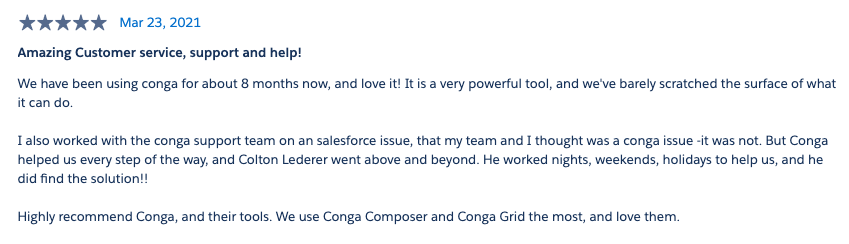
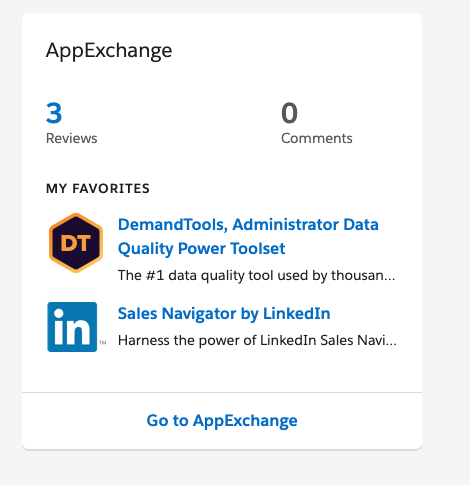
Here’s where it will appear, so that Trailblazers can read and learn from you.
On AppExchange listings:
On your Trailblazer.me profile:
Get some status
Your reviews can become “trusted reviews” on AppExchange.
These are reviews written by select Trailblazers –Trailhead Rangers, Salesforce MVPs, and Top Reviewers – help customers zero in on feedback from the most active, knowledgeable, and helpful community members. This is indicated by an icon next to the community member’s name.
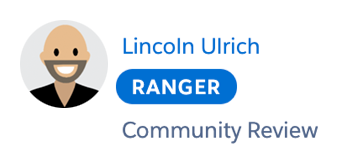
If you’re currently a Trailhead Ranger or Salesforce MVP, get ready to have one or both of these icons next to your name. For more details, check out this post.
Bonus: Become a Top Reviewer
Ready to share your knowledge and become a Top Reviewer? Start writing reviews today.